Setting reminders and assigning to a staff member
Training videos - Landing page
Set a reminder
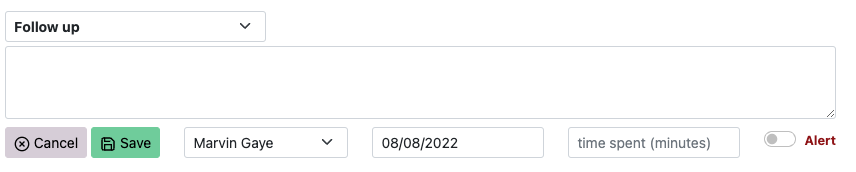
A reminder can be set on a referral when entering/editing a Follow Up or Clinical Review note. To set a reminder, enter a Due Date in the field (to the left of the Time Spent field).
When the Due Date has been reached, the referral will appear on the main screen in the To Be Actioned list.

Assign a referral to a staff member
When a Due Date is entered, you also have the option of setting who the referral is assigned to. The screenshot above shows that the note (and therefore the referral) has been assigned to Marvin Gaye.